


 Smart Lock Troubleshooting
What to Do if Your Smart Lock Keypad is Unresponsive
 Michael Thompson
 Mar 21, 2026
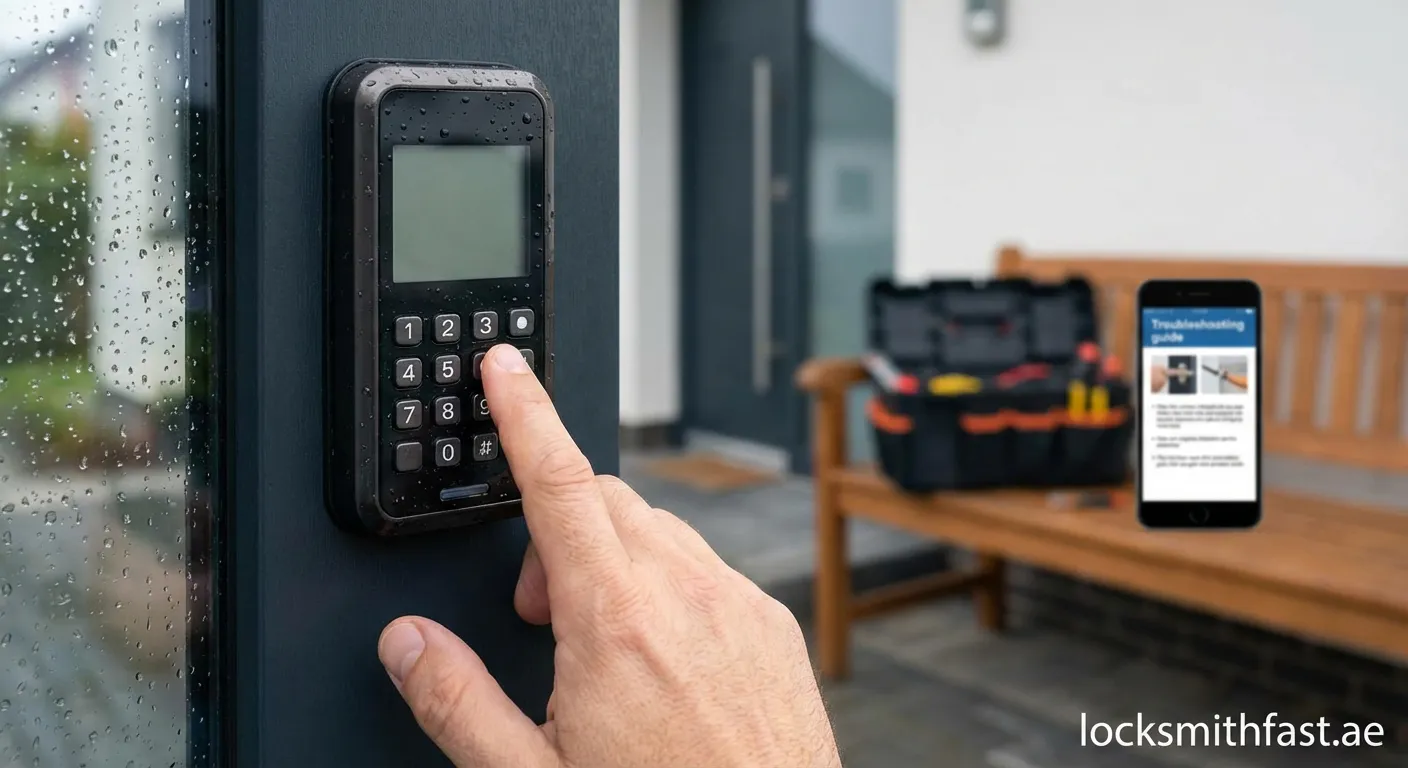
Smart locks provide convenience and security, but an unresponsive keypad can leave you locked out and frustrated. Understanding what to do if your smart lock keypad is unresponsive helps you resolve issues quickly.
Common Causes of Unresponsive Keypads
When your smart lock keypad is unresponsive, several factors could be responsible:
- Dead or weak batteries – The most common cause
- Loose battery connections or corrosion
- Software glitches or firmware issues
- Physical damage from weather or impact
- Debris accumulation between buttons
- Electromagnetic interference
Battery Issues: The Primary Suspect
Start by checking your batteries. Most smart locks require 4 AA batteries lasting 6-12 months. Low power often causes intermittent failures before complete shutdown.
Quick tip: Replace all batteries simultaneously rather than mixing old and new ones.
Step-by-Step Troubleshooting Guide
Step 1: Check the Power Source
Remove the battery cover and inspect:
- Battery charge level using a multimeter
- Signs of corrosion on terminals
- Proper battery orientation
- Secure connections
Clean corroded terminals with white vinegar and a cotton swab.
Step 2: Perform a Hard Reset
Many smart locks have a reset button inside the battery compartment:
- Locate the small reset button
- Press and hold for 10-15 seconds
- Wait for LED indicators or beeps
- Reprogram your access codes
Important: A hard reset will erase all programmed codes.
Step 3: Check for Physical Obstructions
Examine the keypad surface:
- Clean between buttons using compressed air
- Remove dirt with isopropyl alcohol and soft cloth
- Ensure no buttons are stuck in pressed position
Step 4: Verify Network Connectivity
For Wi-Fi or Bluetooth-enabled locks:
- Confirm your phone's Bluetooth is enabled
- Check Wi-Fi router status
- Restart your smartphone's connection
- Update the manufacturer's app
When to Contact Professionals
Understanding what to do if your smart lock keypad is unresponsive includes recognizing when DIY fixes aren't enough:
- Water damage indicators present
- Visible physical damage to components
- Multiple reset attempts fail
- Lock works manually but not electronically
- Error codes persist after troubleshooting
Preventive Maintenance Tips
Avoid future keypad problems:
- Replace batteries proactively every 6 months
- Use lithium batteries in extreme climates
- Install weatherproof covers for outdoor locks
- Schedule annual professional inspections
- Keep firmware updated regularly
Need Professional Help?
If troubleshooting doesn't resolve your smart lock issues, professional assistance ensures your security isn't compromised. Our expert technicians at 24-hour-locksmith Manama 12 provide reliable solutions for all smart lock problems in your area.
 smart lock repair, keypad troubleshooting, home security, lock maintenance

