


 Smart Home Technology
Integrating Smart Locks into Home Automation
 James Anderson
 Dec 27, 2025
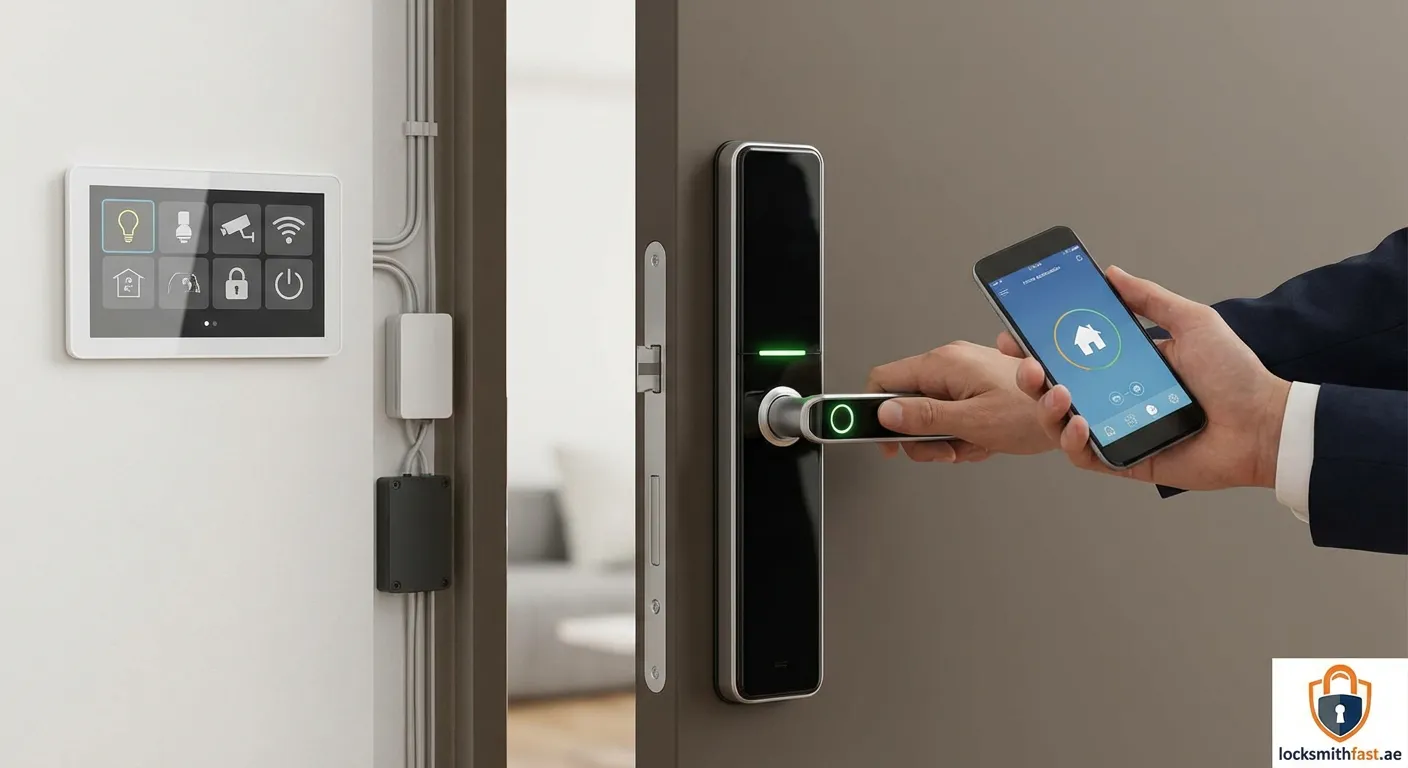
Unlock the full potential of your smart home. Discover how connecting your locks to your ecosystem creates a safer, efficient, and more convenient lifestyle.
Modern living is defined by connectivity. Integrating Smart Locks with Your Home Automation System is one of the most impactful upgrades you can make, transforming a static front door into an intelligent entry point. This integration allows your door hardware to communicate with lights, cameras, and thermostats, creating a cohesive and responsive environment.
The Core Benefits of Integration
Why should you go through the trouble of connecting devices? The answer lies in the synergy of the "Internet of Things" (IoT).
- Enhanced Security: When your smart lock disengages, your security system can automatically disarm, and your indoor cameras can switch to privacy mode.
- Energy Efficiency: Integrating Smart Locks with Your Home Automation System allows your thermostat to adjust temperatures based on occupancy when the door is locked from the outside.
- Remote Management: Grant access to guests or service providers from anywhere in the world via a central hub app.
Choosing the Right Communication Protocol
Before buying hardware, understand the language your home speaks. Successful integration depends on protocol compatibility.
Z-Wave and Zigbee
These are low-energy mesh network protocols. They require a hub (like Samsung SmartThings or Hubitat). They are ideal for Integrating Smart Locks with Your Home Automation System because they do not crowd your Wi-Fi bandwidth and offer longer battery life for the lock.
Wi-Fi
Wi-Fi locks connect directly to your router. They are easier to set up initially but can drain batteries faster. They are often compatible with Google Home and Amazon Alexa without an additional bridge.
Matter and Thread
The newest standard, Matter, promises cross-platform compatibility. If you are future-proofing, look for devices supporting Thread for faster, more reliable connections.
Creating Powerful Routines
Once your devices are talking to each other, you can set up automation scenarios (routines).
- The "Goodnight" Scene: A single voice command lowers the blinds, turns off the lights, and ensures all doors are bolted.
- Arrival Trigger: Unlocking the door triggers the hallway lights to turn on and your favorite playlist to start playing.
- Security Alert: If the lock is tampered with, all smart lights in the house flash red, and a notification is sent to your phone.
Security Considerations
While convenience is key, security is paramount. When Integrating Smart Locks with Your Home Automation System, follow these best practices:
- Enable Two-Factor Authentication (2FA): Always use 2FA for your smart home app.
- Regular Updates: Keep firmware for both the hub and the lock updated to patch vulnerabilities.
- Secure Your Wi-Fi: Ensure your home network is protected by a strong password and WPA3 encryption.
By carefully selecting compatible devices and configuring secure routines, you turn a simple lock into the guardian of your smart home ecosystem.
Final Thoughts on Connectivity
Successfully linking your locks to your smart ecosystem enhances both security and convenience. If you need professional assistance with access control, we also offer services in Wadi Al Safa 3. Visit our Door-unlocking Wadi Al Safa 3 page for details.
 smart locks, home automation, IoT security, connected home

