


 Smart Home
Complete Guide to Smart Lock Integration with Apple HomeKit
 James Mitchell
 Apr 13, 2026
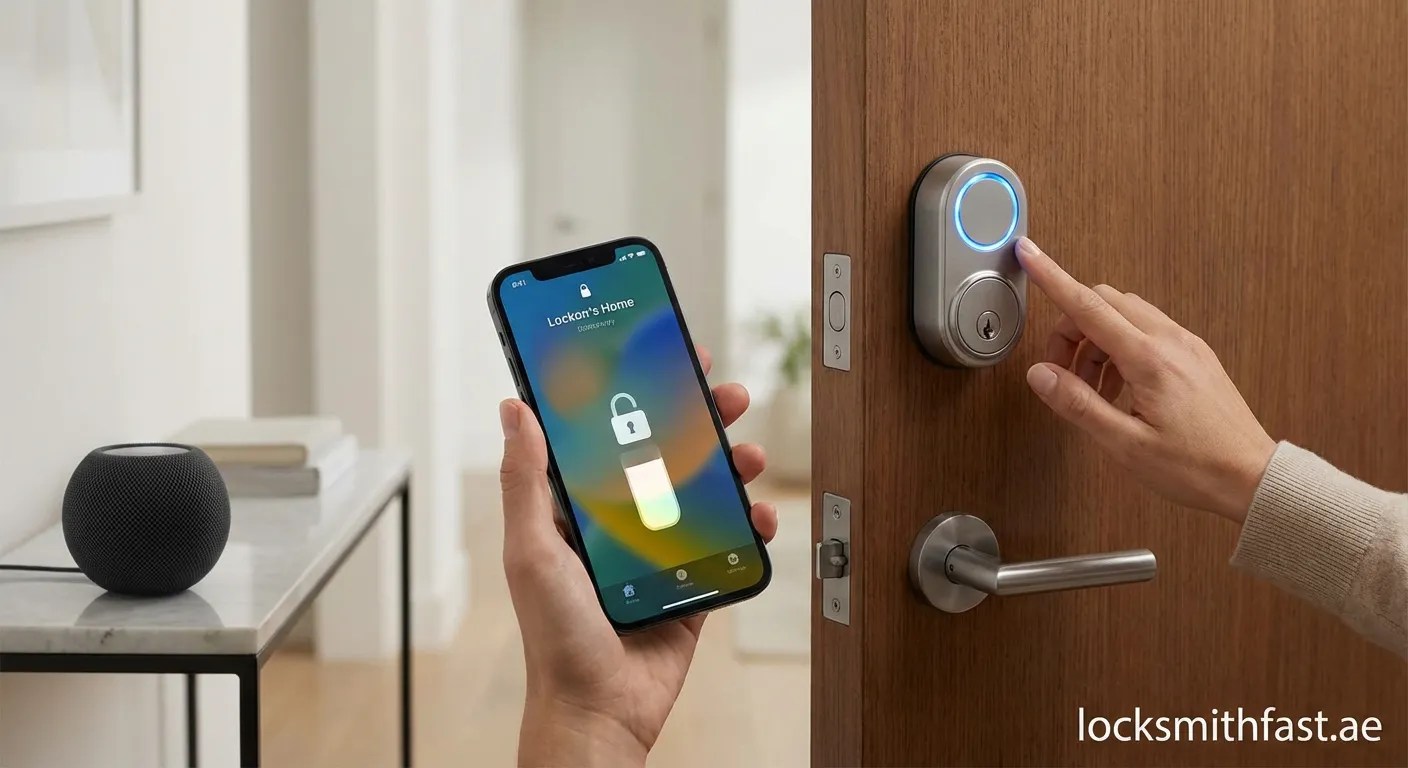
Smart Lock Integration with Apple HomeKit revolutionizes how you secure and access your home. This guide covers everything from selecting compatible locks to advanced automation features.
Smart Lock Integration with Apple HomeKit offers homeowners unprecedented control over their security systems. This comprehensive guide walks you through everything you need to know about connecting and managing smart locks through Apple's ecosystem.
What is Apple HomeKit?
Apple HomeKit is a framework that allows smart home devices to communicate with Apple products seamlessly. When you complete Smart Lock Integration with Apple HomeKit, you gain the ability to control your door locks using Siri voice commands, the Home app, or automated scenes.
Key Benefits of Integration
- Remote Access: Lock or unlock doors from anywhere using your iPhone or iPad
- Voice Control: Use Siri commands like "Hey Siri, lock the front door"
- Automation: Create schedules and location-based triggers
- Family Sharing: Grant access to family members without physical keys
- Security Alerts: Receive instant notifications when someone enters or exits
Compatible Smart Locks for HomeKit
Not all smart locks work with Apple HomeKit. Here are top options for successful integration:
- August Smart Locks – Wi-Fi Connect and Pro models offer native HomeKit support
- Schlage Encode – Built-in Wi-Fi eliminates need for additional hubs
- Yale Assure Locks – Multiple models with HomeKit certification
- Kwikset Premis – Designed specifically for Apple ecosystem
- Level Lock – Invisible installation with HomeKit connectivity
Step-by-Step Setup Guide
Preparation Phase
Before beginning Smart Lock Integration with Apple HomeKit, ensure you have:
- A compatible smart lock installed on your door
- iPhone or iPad running iOS 14.0 or later
- Stable Wi-Fi connection (2.4GHz network)
- HomeKit setup code (usually on product packaging)
- Apple ID with two-factor authentication enabled
Installation Process
- Download Manufacturer's App – Start by installing the lock manufacturer's companion app
- Create Account – Set up your user profile within the app
- Connect to Wi-Fi – Follow in-app instructions to link lock to your network
- Open Apple Home App – Tap the "+" icon to add new accessory
- Scan HomeKit Code – Use camera to scan the setup code on your device
- Assign Room – Choose location within your home for easy organization
- Configure Settings – Set up access codes and automation preferences
Troubleshooting Common Issues
Encountering problems during your Smart Lock Integration with Apple HomeKit? Try these solutions:
| Issue | Solution |
|---|---|
| Lock not responding | Check Wi-Fi signal strength near door |
| Siri commands fail | Verify lock appears in Home app |
| Battery drains quickly | Disable unnecessary automations |
| Access codes not working | Recreate codes in manufacturer's app |
| Lock goes offline | Reset network settings and reconnect |
Advanced Automation Ideas
Once your integration is complete, explore these automation possibilities:
"Good Morning" Scene: Unlock front door, turn on lights, adjust thermostat when motion detected after 6 AM.
Location-Based Trigger: Automatically unlock when you approach home, lock when you leave. Guest Access: Create temporary codes for visitors that expire after set time periods.
Security Best Practices
Maintaining security after Smart Lock Integration with Apple HomeKit requires ongoing attention:
- Regularly update firmware through manufacturer's app to patch vulnerabilities. Use strong, unique passwords for all connected accounts. Enable notifications for all lock activity to monitor access patterns.
Start Your Smart Home Journey
Smart Lock Integration with Apple HomeKit transforms your home security experience. Follow this guide to enjoy seamless control and enhanced protection. For professional installation and support in Palm Deira, visit Cheap-locksmith Palm Deira for expert assistance.
 smart lock, Apple HomeKit, home automation, security, IoT devices

