


 Home Security
Essential Security Tips for Freelancers Working from Home
 Michael Johnson
 Mar 07, 2026
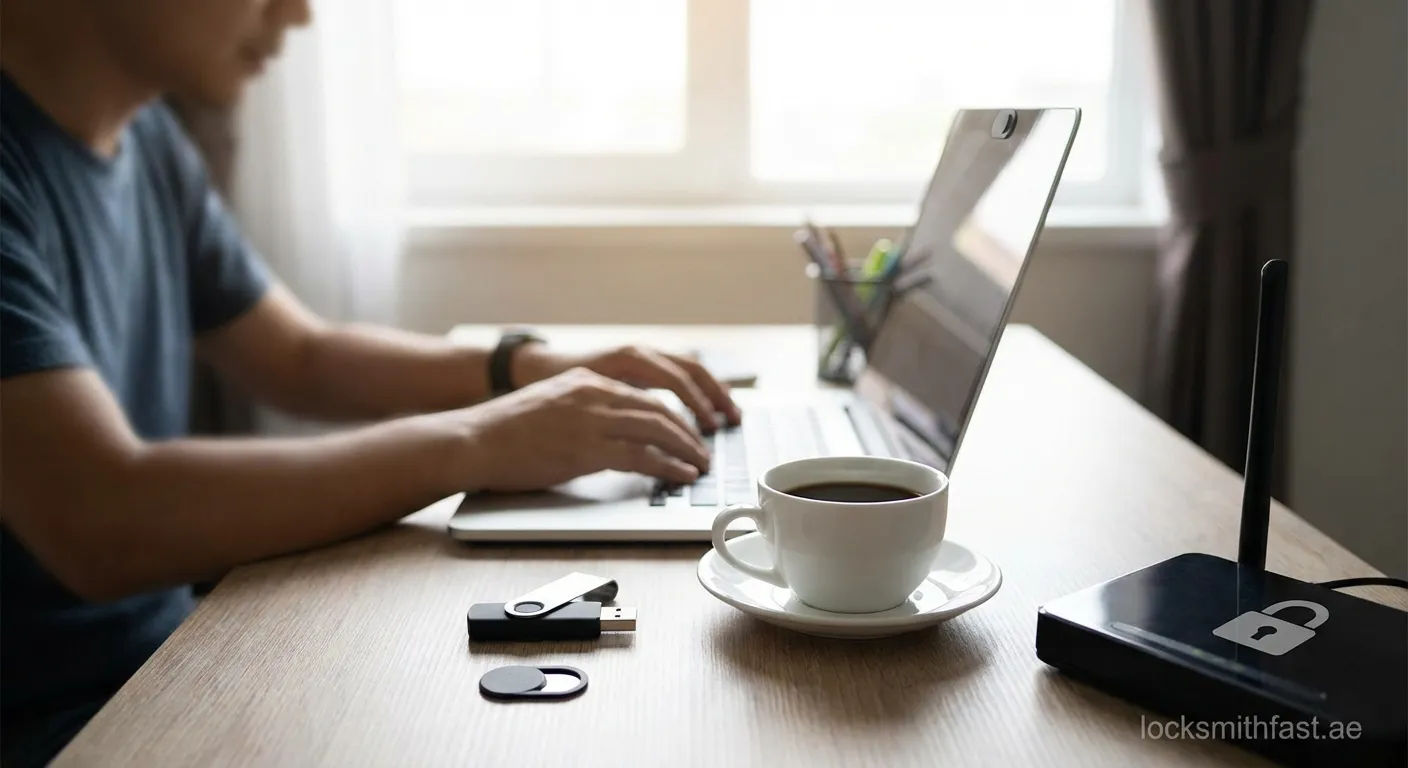
Working from home offers flexibility, but also brings unique security challenges. Freelancers must protect sensitive client data, financial information, and their professional reputation from cyber threats.
Why Security Matters for Remote Freelancers
As a freelancer, you're responsible for every aspect of your business—including security. Unlike corporate employees with dedicated IT departments, freelancers working from home must independently safeguard their digital assets. A single security breach can damage client relationships, result in financial losses, and destroy your professional reputation.
The Unique Risks of Freelance Work
Freelancers face distinct vulnerabilities: handling multiple client accounts, accessing sensitive documents, and often using personal devices for work tasks. Understanding security tips for freelancers working from home begins with recognizing these specific risks and implementing targeted solutions.
Secure Your Network and Connection
Use a Virtual Private Network (VPN)
A VPN encrypts your internet traffic, making it difficult for hackers to intercept data. This is especially crucial when working from coffee shops or shared spaces. Always activate your VPN before accessing client portals or transferring sensitive files.
Strengthen Your Wi-Fi Security
Change your router's default password and network name. Enable WPA3 encryption if available, and regularly update your router's firmware. Create a separate guest network for visitors to keep your work devices isolated.
Implement Strong Password Practices
Use Unique, Complex Passwords
Every account needs a distinct password combining uppercase letters, lowercase letters, numbers, and symbols. Avoid using personal information or common words that hackers can easily guess.
Invest in a Password Manager
A reputable password manager generates and stores complex passwords securely. This tool eliminates the need to remember multiple credentials while maintaining strong security across all your accounts.
Enable Two-Factor Authentication
Two-factor authentication (2FA) adds an extra security layer beyond passwords. Enable 2FA on all critical accounts—email, banking, cloud storage, and client platforms. Use authenticator apps rather than SMS when possible for enhanced protection.
Protect Your Devices and Data
Keep Software Updated
Regular updates patch security vulnerabilities in your operating system and applications. Enable automatic updates to ensure you're always protected against the latest threats targeting freelancers working from home.
Encrypt Your Hard Drive
Full-disk encryption protects your data if your device is stolen or lost. Both Windows (BitLocker) and macOS (FileVault) offer built-in encryption tools that are easy to activate.
Backup Your Data Regularly
Implement the 3-2-1 backup rule: three copies of your data, on two different storage types, with one copy stored offsite. Cloud backup services and external hard drives provide reliable protection against data loss.
Create a Secure Physical Workspace
Lock Your Devices
When stepping away from your workspace, lock your computer screen. Set your device to automatically lock after a short period of inactivity. This prevents unauthorized access to sensitive client information.
Secure Physical Documents
Store printed documents containing sensitive information in a locked cabinet. Shred documents you no longer need rather than throwing them away intact.
Position Your Screen Carefully
Ensure your monitor isn't visible through windows or to visitors. Use privacy screens when working in public spaces to prevent visual hacking.
Guard Against Social Engineering
Recognize Phishing Attempts
Phishing emails remain a primary attack vector. Verify sender addresses carefully, avoid clicking suspicious links, and never provide credentials via email. When in doubt, contact the supposed sender through official channels.
Verify Client Communications
Scammers may impersonate clients to extract payments or sensitive information. Establish verification protocols with regular clients, such as code words or secondary contact methods.
Use Secure Communication Tools
Choose Encrypted Platforms
Use end-to-end encrypted messaging and video conferencing tools for client communications. Popular options include Signal for messaging and Zoom with enhanced security settings for meetings.
Secure File Sharing
Avoid sending sensitive files via email attachments. Use encrypted cloud storage services with password-protected sharing links and expiration dates for file access.
Stay Protected and Professional
Implementing these security tips for freelancers working from home safeguards your business, clients, and professional integrity. Regular security audits and staying informed about emerging threats will keep your freelance practice resilient. For home security concerns in the UAE, we also offer reliable House-lockout Bur Dubai services to assist you.
 freelance security, cybersecurity, remote work, data protection, home office

